Service Button IoT
One press. A connected workflow.
DEVELOPED IN PARTNERSHIP WITH DEUTSCHE TELEKOM
Born to optimize logistic processes, cut costs, and maximize customer experience for retail clients.
Key Features
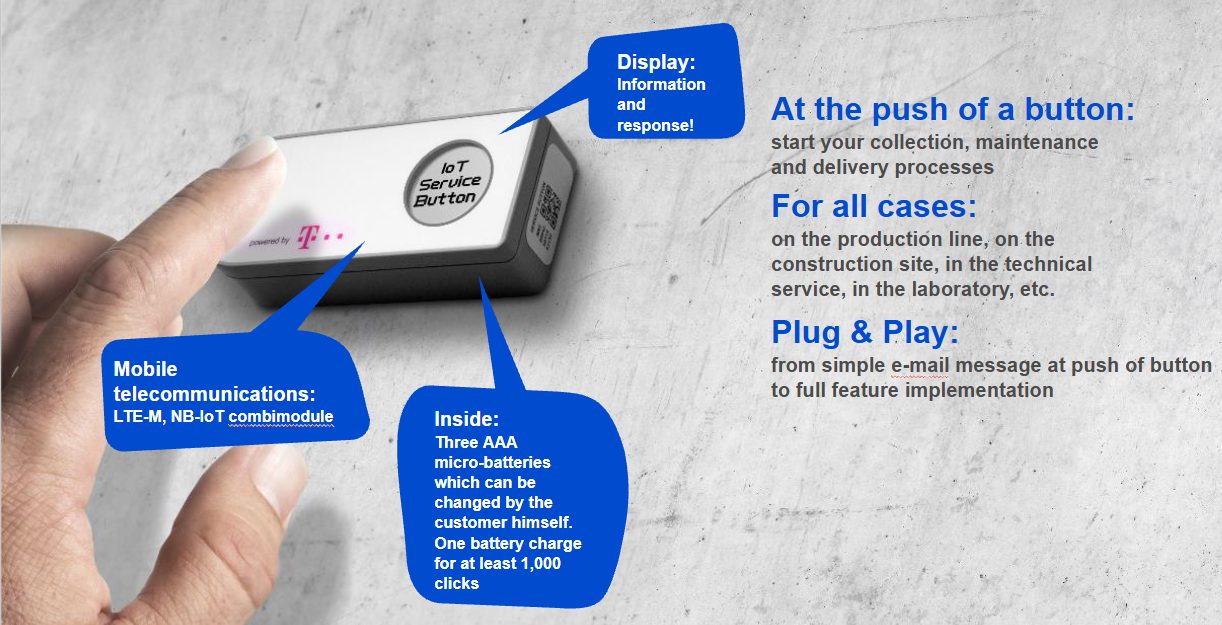
Request a pickup, replenish supplies or call for service with a single button press. Service Button sends the event over LTE-M or NB-IoT to a configured connected workflow.
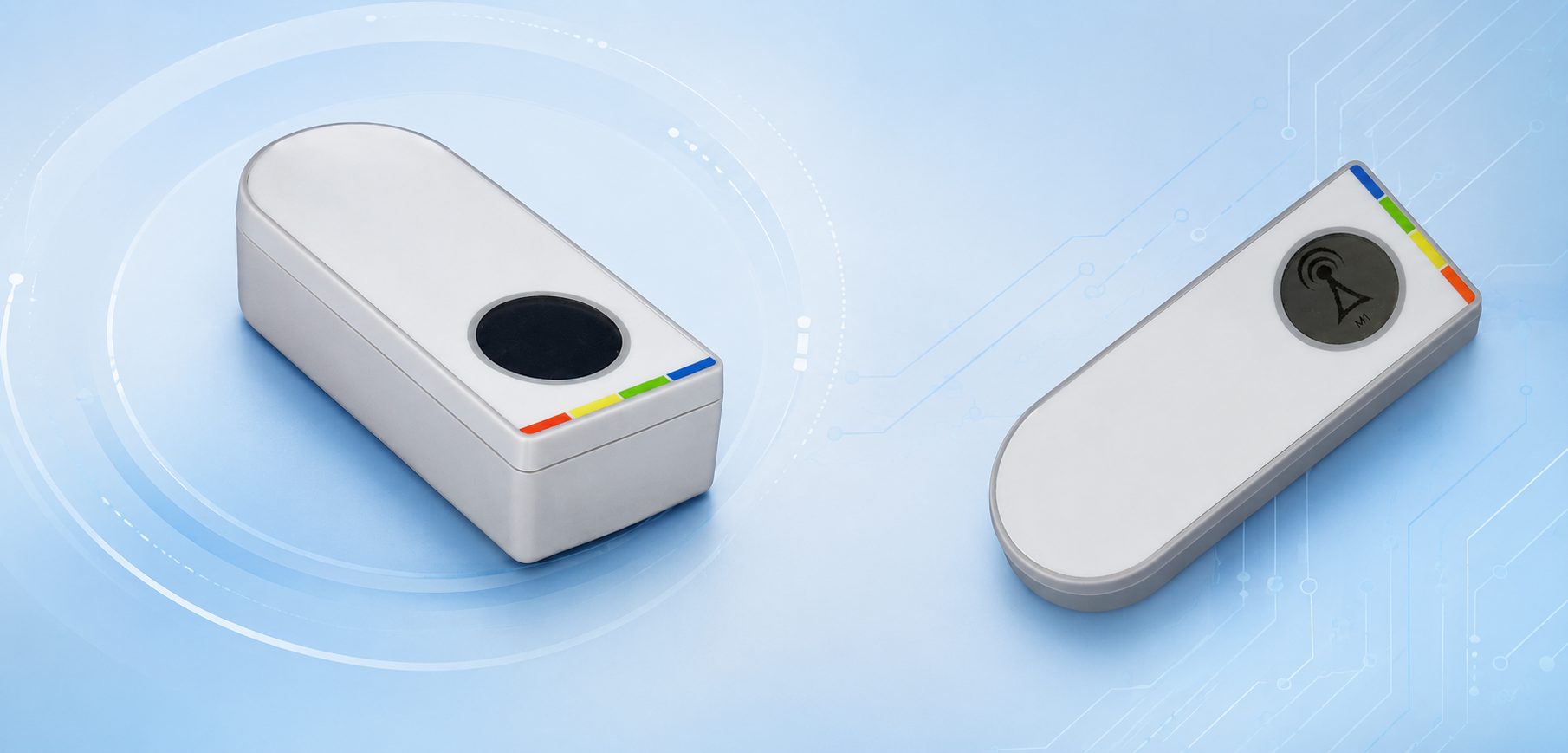
A compact device with a 1.28-inch display, replaceable AAA lithium batteries and an IP55 enclosure. Optional NFC supports applications that need identification at the point of use. Device setup, mobile-network coverage and the receiving workflow are defined for each deployment.
Plug&Play
Fast and easy setup without onsite infrastructure.
Connectivity
LTE-M and NB-IoT for robust, wide-area communication
Low Power Consumption
Replaceable AAA Lithium Batteries
Feedback Display
Shows real‑time confirmation of button presses and system responses.
Conditions
Expected life around 1000 presses.
Display 1.28" 128x128.
From a button press to a service request
- Define the action. Choose what the button should request or record in your process.
- Press the button. The device transmits the event using LTE-M or NB-IoT connectivity.
- Route the event. A configured platform or integration uses it to notify a team or initiate the agreed workflow.
The required platform and business-system integration are agreed as part of the deployment.


The Gimasi Service Button was developed in collaboration with Deutsche Telekom to help retailers simplify operations, reduce costs, and improve customer service through a single IoT device.
Designed with LTE-M and NB-IoT connectivity, it transmits user-defined events to the Cloud Platform, where automated workflows can trigger notifications, service requests, ticket creation, and other business processes. Moreover, integrated temperature and Hall sensors, combined with optional NFC functionality, make the Service Button a flexible and scalable solution for retail, logistics, and smart facility applications.

EN 18031-1:2024
EN 18031-2:2024
Applications
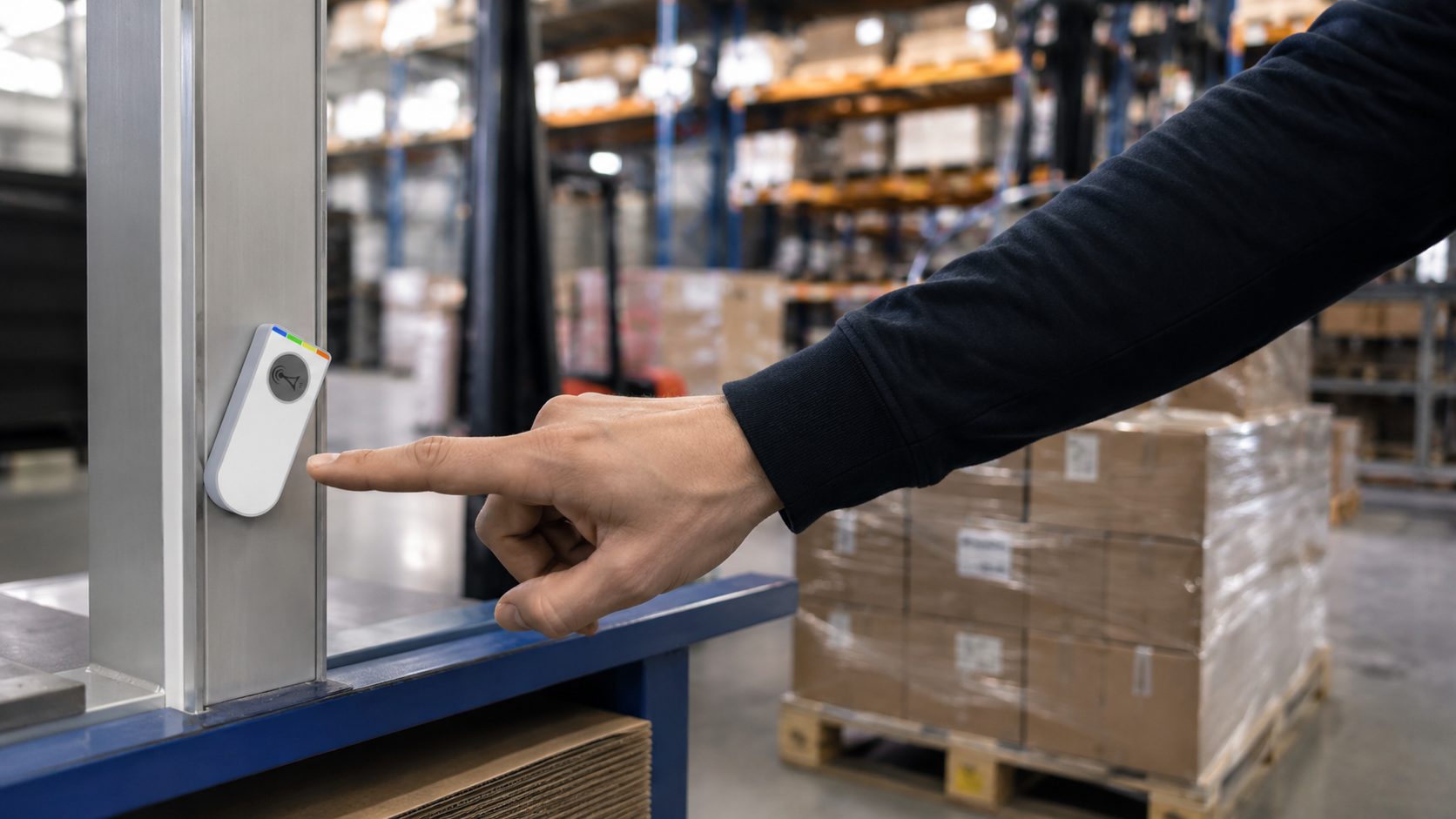
Because every industry has different operational challenges, the Service Button can be configured for multiple applications. For example, it supports logistics, manufacturing, facility management, healthcare, and service operations.
Industrial Manufacturing
- Engine Overhaul: Simplify return logistics for heavy components and reduce equipment downtime.
- Safety Inspections: Record maintenance checks with timestamped digital logs for full traceability.
- Consumables Replenishment: Order tools and spare parts with one press to keep production running.
- Technical Support: Send instant service requests with on-screen confirmation.
- Parts Collection: Trigger pickup requests with precise location data for faster logistics
Automotive & Vehicle Construction
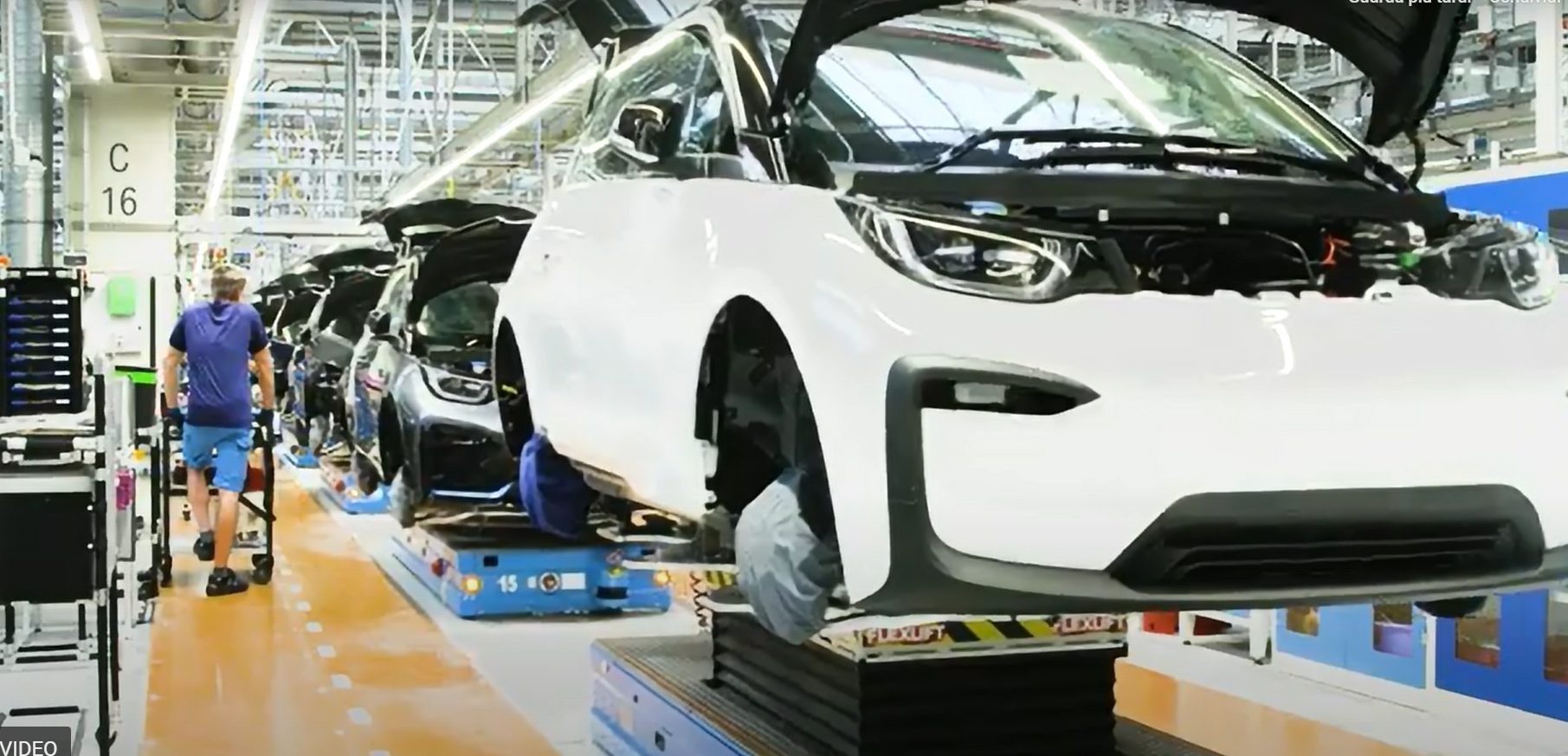
- KANBAN & Intralogistics: Digitize replenishment requests and automate material supply.
- Engine Selection: Enable fast and error-free engine identification, even in noisy environments.
- Facility Operations: Request refills and maintenance for shared equipment on demand.
- Quality Reporting: Report production issues instantly through NB-IoT connectivity.
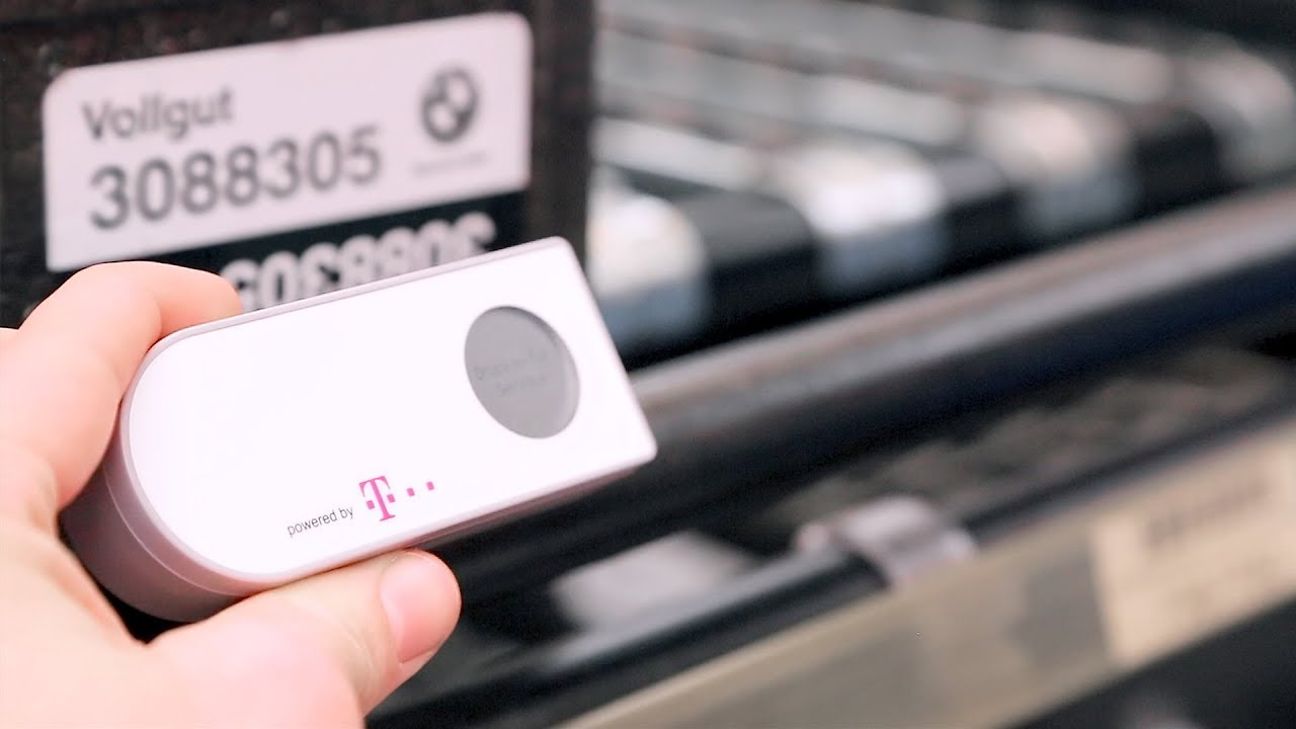
Healthcare & Pharmaceuticals
- Medical Supply Reordering:Replenish diagnostic and clinical consumables with a single press.
- Equipment Management: Track rental equipment, simplify returns, and reduce losses.
- Hospital Services:Request room cleaning, bed preparation, or internal assistance instantly.
- Sample Collection : Coordinate laboratory sample pickups through real-time service requests.

Facility Management
Cleaning & Housekeeping: Request on-demand cleaning services in offices, shopping centres, hotels and shared facilities.
Building Maintenance: Report issues with lighting, doors, HVAC systems or other building infrastructure requiring technical assistance.
Consumable Replenishment: Request refills of hygiene products, cleaning supplies and other essential materials.
Room & Space Management: Notify facility teams when meeting rooms, common areas or workspaces require preparation or servicing.
On-Demand Facility Assistance: Request operational support from maintenance, reception or facility service teams with a simple button press.
| Common Challenge | IoT Button Solution | Business Impact |
| Media Disruptions | End-to-end digital data flow | Elimination of manual transcription errors and delays. |
| Missing Infrastructure | Standalone NB-IoT connectivity | Deploys anywhere without IT overhead or Wi-Fi costs. |
| High Operating Costs | Optimized routes and pickups | Reduction in “empty runs” and wasted fuel/labor. |
| Customer Retention | Physical button presence | “Lock-in” effect: ordering is easier than searching elsewhere. |
| Audit Failures | Automatic timestamps | Total transparency for regulatory reviews and revisions. |
Which workflow would you simplify?
Tell us what a button press should trigger. Our team will help define the device setup, connectivity and integration for your application.
Frequently Asked Questions
The Service Button allows users to trigger digital workflows with a single press. Once activated, the device sends an event to the cloud platform, where predefined actions such as notifications, tickets, or service requests can be executed.
The device can be adapted to multiple environments, including manufacturing, logistics, retail, and facility management. Moreover, its LTE-M and NB-IoT connectivity allows reliable deployment without depending on local Wi-Fi infrastructure.
Traditional requests often require calls, emails, or manual reporting. Instead, the Service Button creates a direct digital connection between users and operational systems, improving response times and reducing unnecessary steps.